Search Job from your ATS
This tutorial is designed for ATS users and provides a step-by-step guide on searching jobs from the ATS in Brainner.
How to search Jobs from the ATS: Step-by-Step Guide
1. In your ATS, the process starts with the Job Posting.
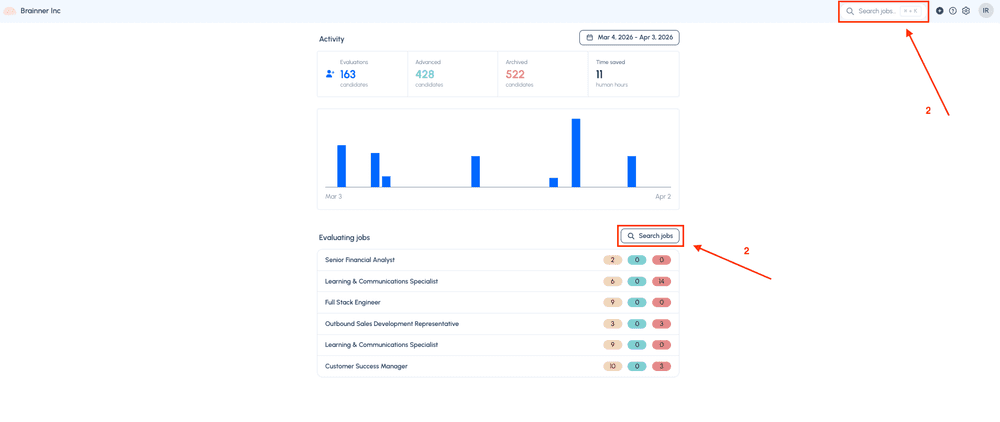
2. Go to Brainner and click ‘Search jobs’
*Note: Under 'Evaluating Jobs' you will only find jobs that are currently importing candidates automatically. If a job is not receiving candidates automatically, you will find them by clicking 'Search jobs'.
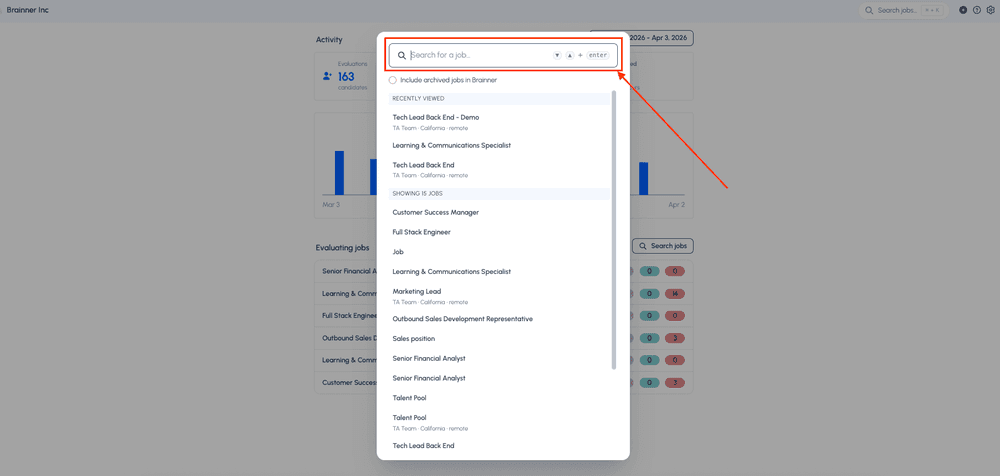
3. Enter the name of the job you are looking.
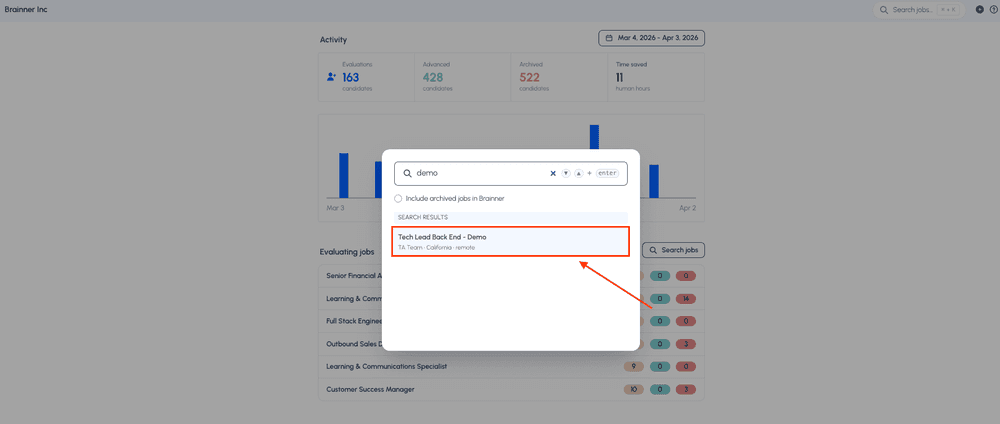
4. Click on the Job.
5. You will be redirected to the “Details” tab of the job in Brainner, where you will find the job description for that role.
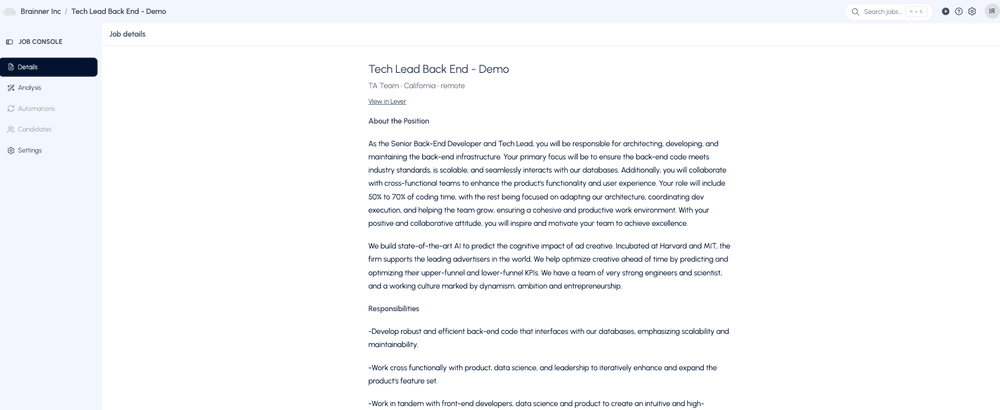
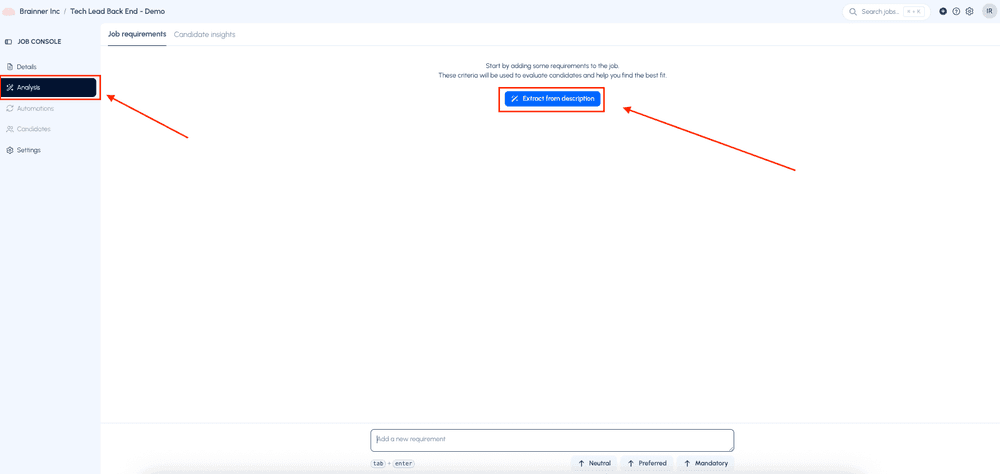
6. If you have already worked on this job before, you will find the information you previously added. If you are starting with this job now, go to the “Analysis” tab and customize the criteria by clicking “Extract from description.”
For a complete step by step guide, please refer to the following tutorial video: [Getting Started].
If you have any questions, feel free to reach out to our team at support@brainner.ai